Представляємо новий Zoho Mail
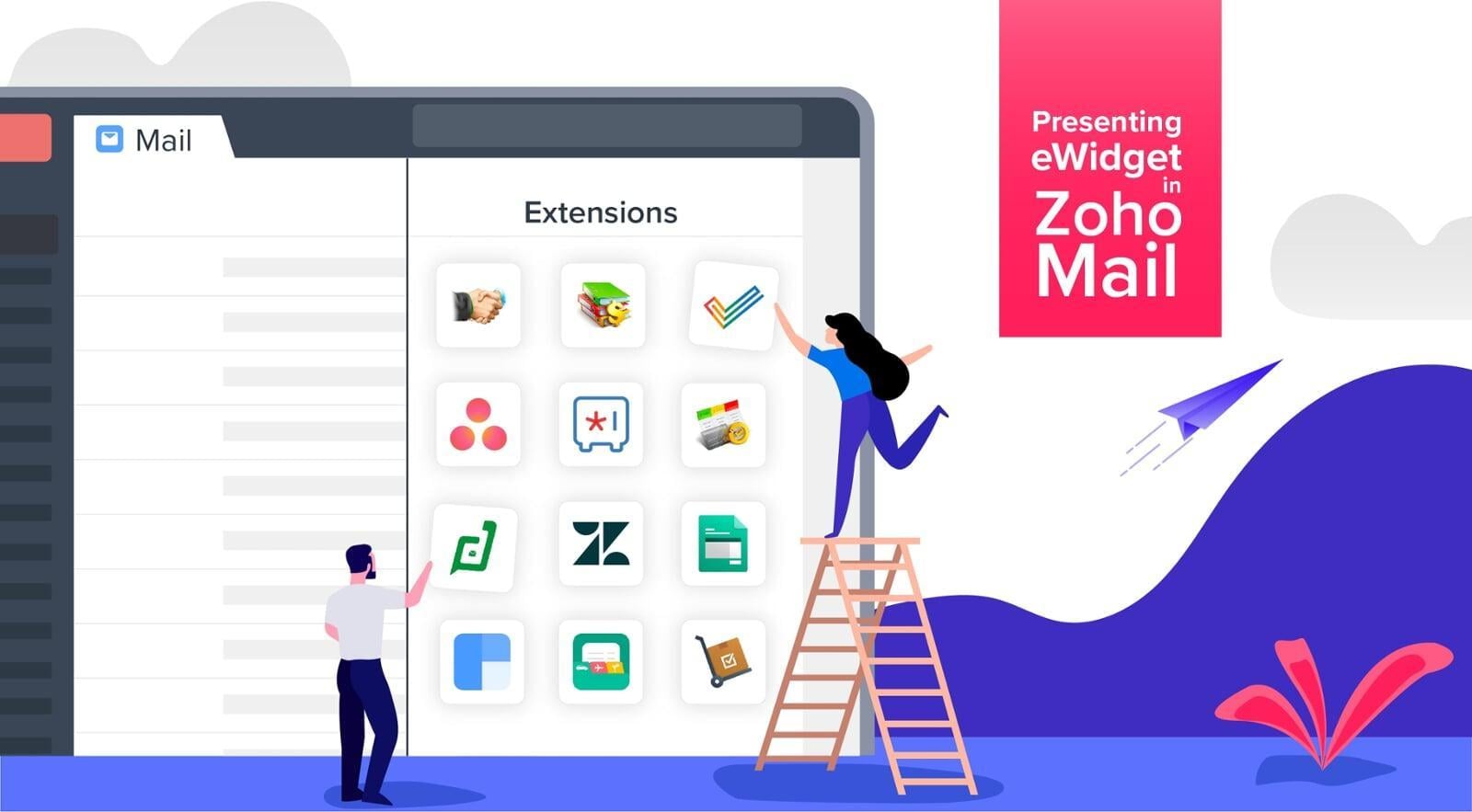
Ми звикли до багатозадачності — роботи з різними apps, переходу з однієї вкладки браузера на іншу — але це не обов’язково має бути саме так. Завдяки новим функціям додатків та розширень робота в Інтернеті стала набагато простішою.
Представляємо eWidget Zoho Mail— віджет, який працює як із Zoho, так і з іншими apps.
За допомогою цього нового віджета ви можете переглядати інформацію та працювати з apps з Zoho Mail . Віджет дає змогу вибрати apps користуєтеся найчастіше, та змінювати їхнє розташування для зручності. Усі дії, які ви виконуєте у віджеті, зберігатимуться у всіх apps, що забезпечить оптимальну продуктивність.
Більш гармонійні відносини з клієнтами
Налагодження добрих відносин із клієнтами має вирішальне значення, і Zoho Mail в цьому допомогти.
Завдяки інтеграції з Zoho CRM цей віджет надає доступ до таких даних, як інформація про потенційних клієнтів та контакти, завдання, нотатки, події та зворотні дзвінки. Віджет дозволяє вибрати потенційного клієнта або контакт для зв’язку. Якщо ви отримали електронний лист, а відправник ще не входить до списку ваших потенційних клієнтів, ви можете створити нового потенційного клієнта за допомогою віджета, не виходячи з поштового клієнта.
Жодних питань, що залишилися без відповіді
Якщо до ваших обов’язків входить обробка, створення та управління заявками, радимо спробувати розширення Zoho Desk Zendesk. Ви можете створювати, знаходити, редагувати, переглядати та коментувати заявки безпосередньо з віджета. Якщо ви отримали електронний лист, який вимагає створення заявки, особливо зручною є контекстна інтеграція: під час створення заявки віджет автоматично заповнює відповідні поля інформацією з листа.
Одне завдання за раз
Потрібно відповісти на електронний лист? Підготувати презентацію? Запросити клієнтів на демонстрацію? З новим віджетом ці завдання виконуються набагато простіше.
Працювати набагато простіше, коли ваша робота розбита на проекти та завдання, але відстежувати завдання та керувати ними — це вже інша історія. Саме тут у нагоді стає інструмент для управління проектами. Відкривати ще одну таблицю? Ні в якому разі! Якщо ви користуєтеся Zoho Mail, Zoho Projects або Asana, ви можете робити все це безпосередньо з вашого поштового клієнта. Переглядайте різні проєкти та їхні завдання, використовуйте поле пошуку, щоб швидко знаходити завдання, і позначайте їх як виконані після завершення. З віджетом це все набагато простіше.
Нові контакти
Нові контакти відіграють важливу роль у розвитку бізнесу. Якщо ви знаєте про людину не лише її адресу електронної пошти, ви неодмінно зможете налагодити міцні стосунки. Якщо ви користуєтеся програмою для управління контактами, такою як Clearbird або FullContact, віджет автоматично відображатиме контактну інформацію у вашому електронному листі. Ці дві платформи доступні у вигляді розширень-віджетів для відображення контактної інформації потенційних клієнтів або компаній.
Спрощене управління фінансовими документами
Коли ви отримуєте електронний лист від одного зі своїх клієнтів, вам може знадобитися переглянути всі деталі вашої співпраці. Цей віджет відображає всю контактну інформацію, рахунки-фактури, платежі та замовлення безпосередньо у вашому поштовому клієнті. Це стало можливим завдяки інтеграції з Zoho Finance Suit.
Зберігайте свої секрети в безпеці з Zoho Vault
Отримуйте доступ до даних, що зберігаються в Zoho Vault з Zoho Mail .
Створюйте, редагуйте та керуйте своїми паролями за допомогою віджета. Користуйтеся полем пошуку та фільтром, щоб знайти потрібну інформацію, і додавайте її до обраного.